Standard photos in.Studio e-commerce out.
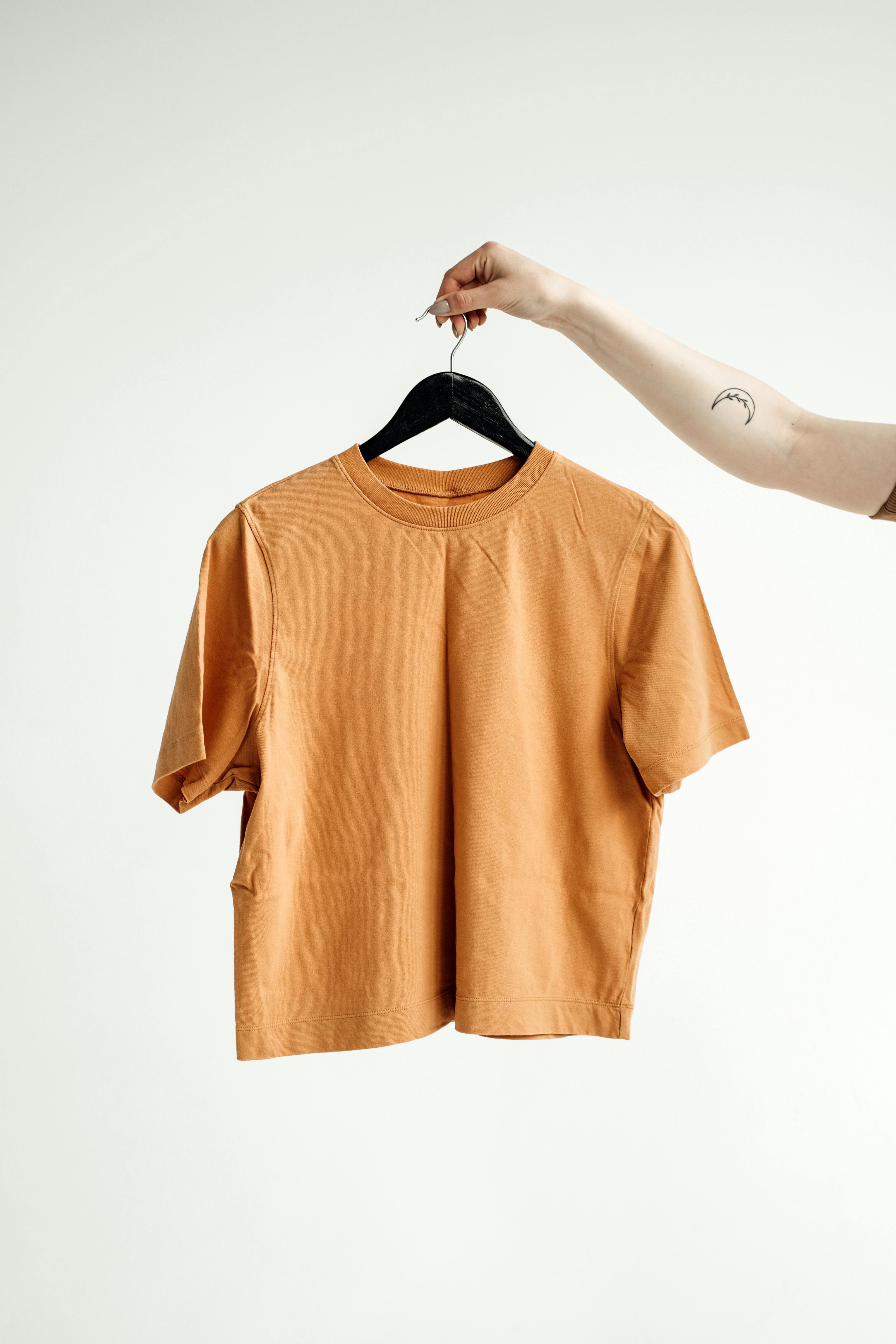
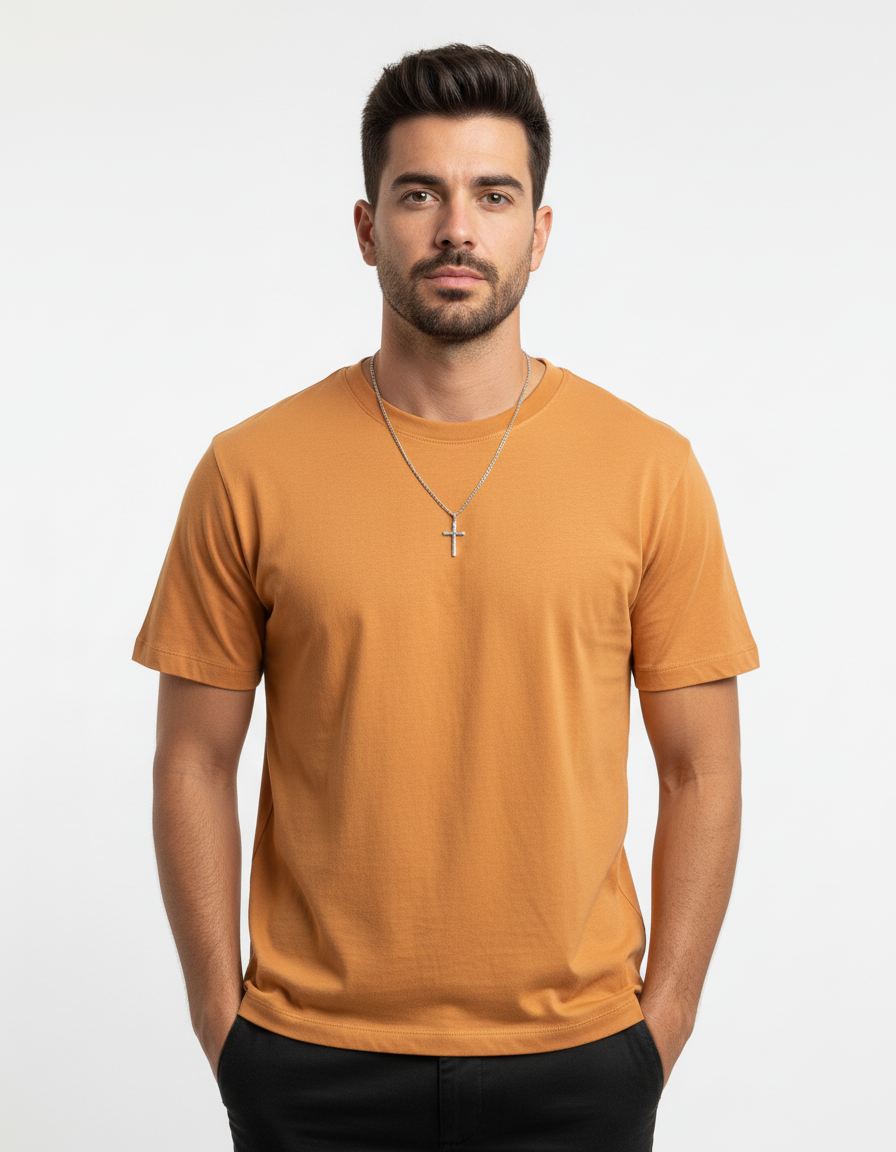
PyxelAI is an context-aware image pipeline for e-commerce: it uses your catalog context — category, brand, and how the image should look — to turn everyday product photos into clean studio shots: white or neutral backgrounds, matching shadows, and several angles per product. No reshoots. No clipping thousands of images by hand.
< 60s
Per SKU pack
4+
Studio shots from one photo
Auto
Retouching
How it works
From everyday shots to studio-ready shots.
Your current photos plus a bit of product context in, clean studio-style images out — without a new photoshoot for every product.
Send your standard product photos
Upload supplier shots, warehouse snaps, or photos you already use online. Add them through the dashboard or your usual tools — PyxelAI pulls in product info and SKUs alongside each image.
PyxelAI reads catalog context
Category, materials, brand colors, and how the background should look (white, grey, soft shadow) are sent as simple fields. The pipeline knows how your finished image should look.
Get studio-style e-commerce cuts
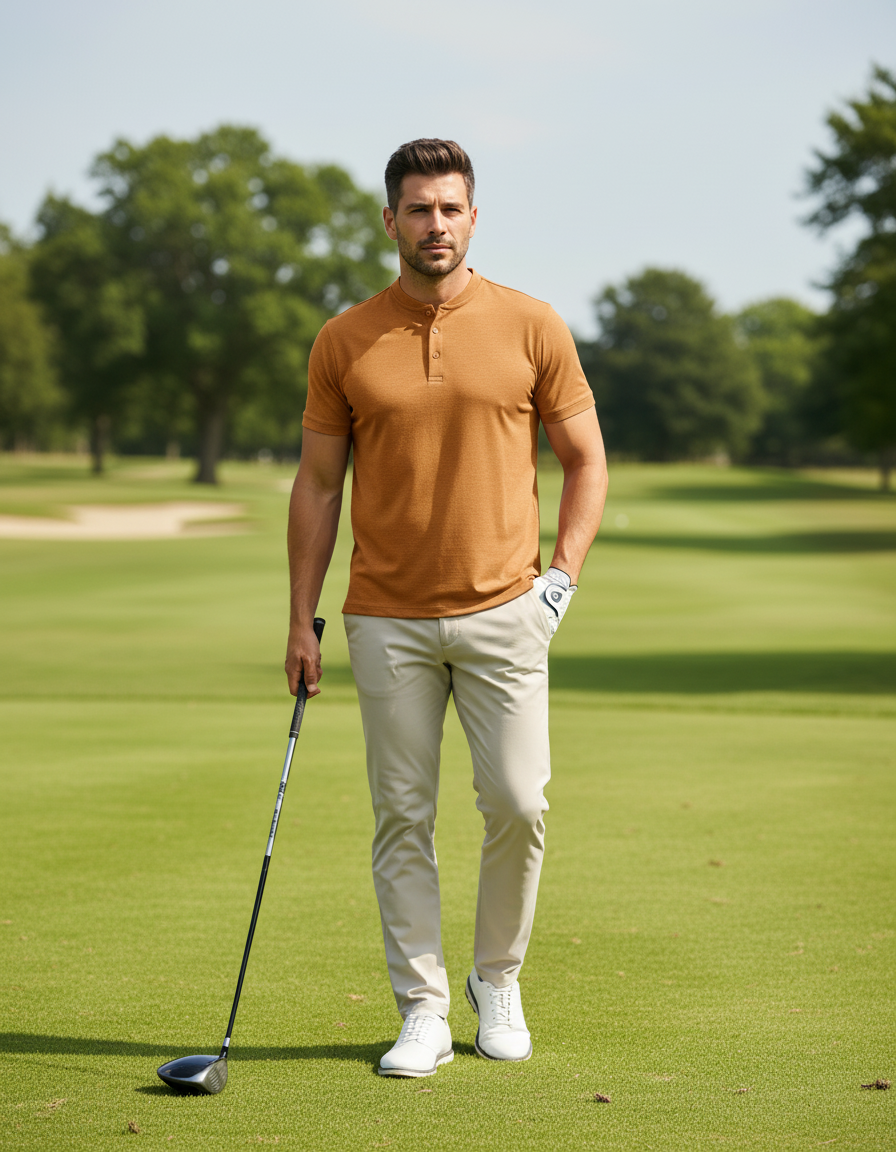
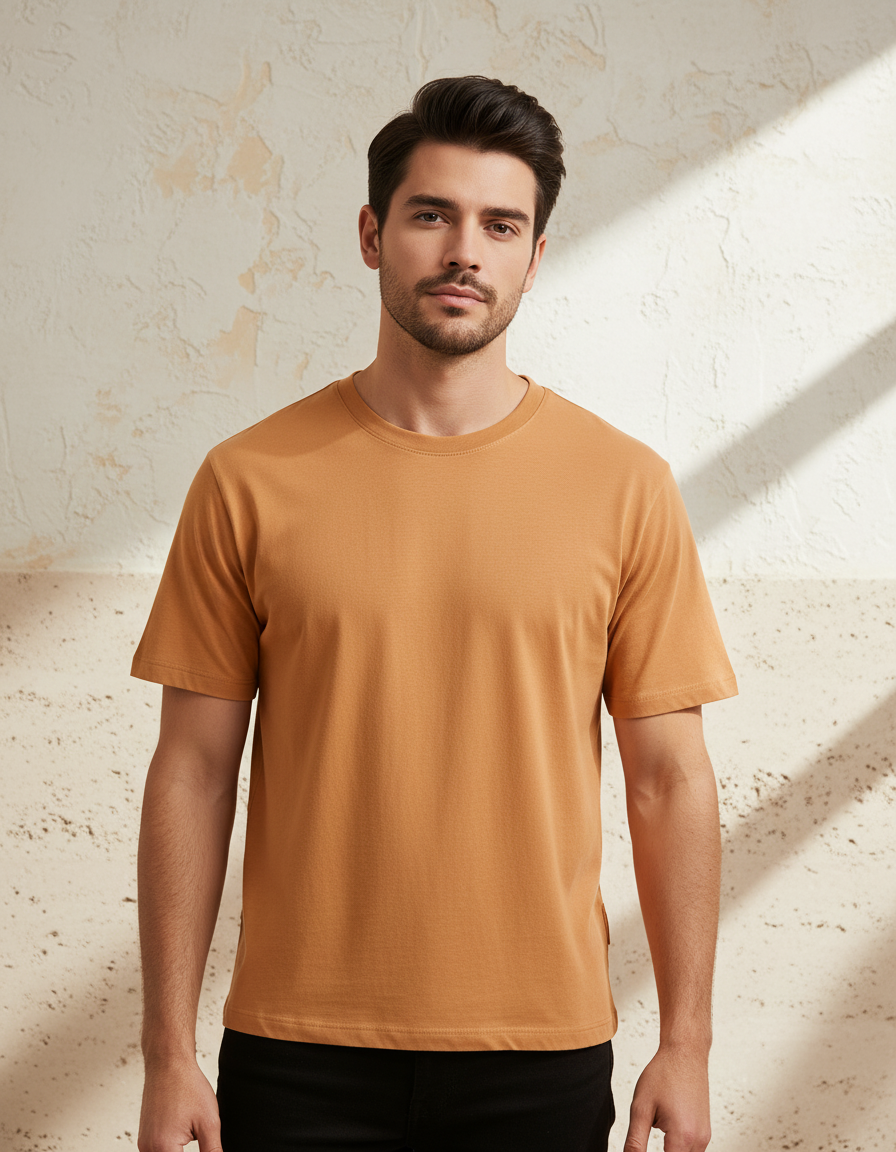
Get a full set per product: main shot on white, close-up, extra angles, and optional lifestyle shots — with matching light and edges across your catalog.
QC, retouch if needed, then publish
Every image is checked for edges and background. Fix small issues without starting over, then download your files or send them where you need them.
Why XL-1
It knows the product,not just the pixels.
Generic tools treat every image the same. PyxelAI is built for e-commerce: it combines your standard source photo with catalog signals — category, silhouette, materials, brand look, and channel requirements — so outputs look like intentional studio work, not lucky generations.
That context is what turns a warehouse snapshot into a crisp white-background hero, a tight detail crop, and matching alternates that feel like one shoot — even when you never stepped into a studio.
Trained on a huge set of real product and catalog images, PyxelAI learns how items should look on major online stores — clean edges, shadows, and framing included. It is built as an image pipeline for e-commerce, not generic one-off generations.




What you get
Made for online stores,
not one-off demos.
PyxelAI focuses on the gap between a plain product photo and images you are happy to put on your site — studio look, checks, and files ready to use.
Everyday photos → studio shots
Use the pictures you already have — supplier files, phone snaps, or old listings. PyxelAI turns them into clean studio-style images with the right background for your store.
Several images per product
Get a matched set from one run: main shot on white, close-up detail, another angle, and an optional lifestyle shot — so the product looks consistent everywhere.
Automatic quality checks
Each image is checked for edges, background, and basic specs before you see it — so your team spends less time fixing bad cuts.
Same look across the catalog
One setup runs for every product, so lighting, shadows, and crops stay aligned whether you have hundreds or thousands of items.
Small fixes without a full redo
Touch up a problem spot on an approved image instead of generating the whole set again — handy when you need something just right.
Enterprise
Production-grade
from day one.
When you are updating thousands of product images from old supplier photos, you need more than a demo tool — you need isolation, audit trails, and steady throughput. PyxelAI is built for that kind of load.
From mid-market catalogs to global marketplaces, teams use PyxelAI to standardize studio cuts and multi-image packs without linearly scaling retouching headcount.
99.9% Uptime SLA
Guaranteed availability with real-time incident response.
Dedicated Support
Named account manager and priority engineering team.
SSO and SAML
Single sign-on with your enterprise identity provider.
Data Residency
Choose where your data is stored, processed, and retained.
Custom XL-1 fine-tuning
Fine-tune on your own product imagery so studio cuts match your house style and edge cases.
Studio-ready product imagesfrom the photos you already have.
Request access with your details. We'll show how PyxelAI turns everyday shots into clean studio images — with checks built in.